

Clean up your AI chat history in minutes.
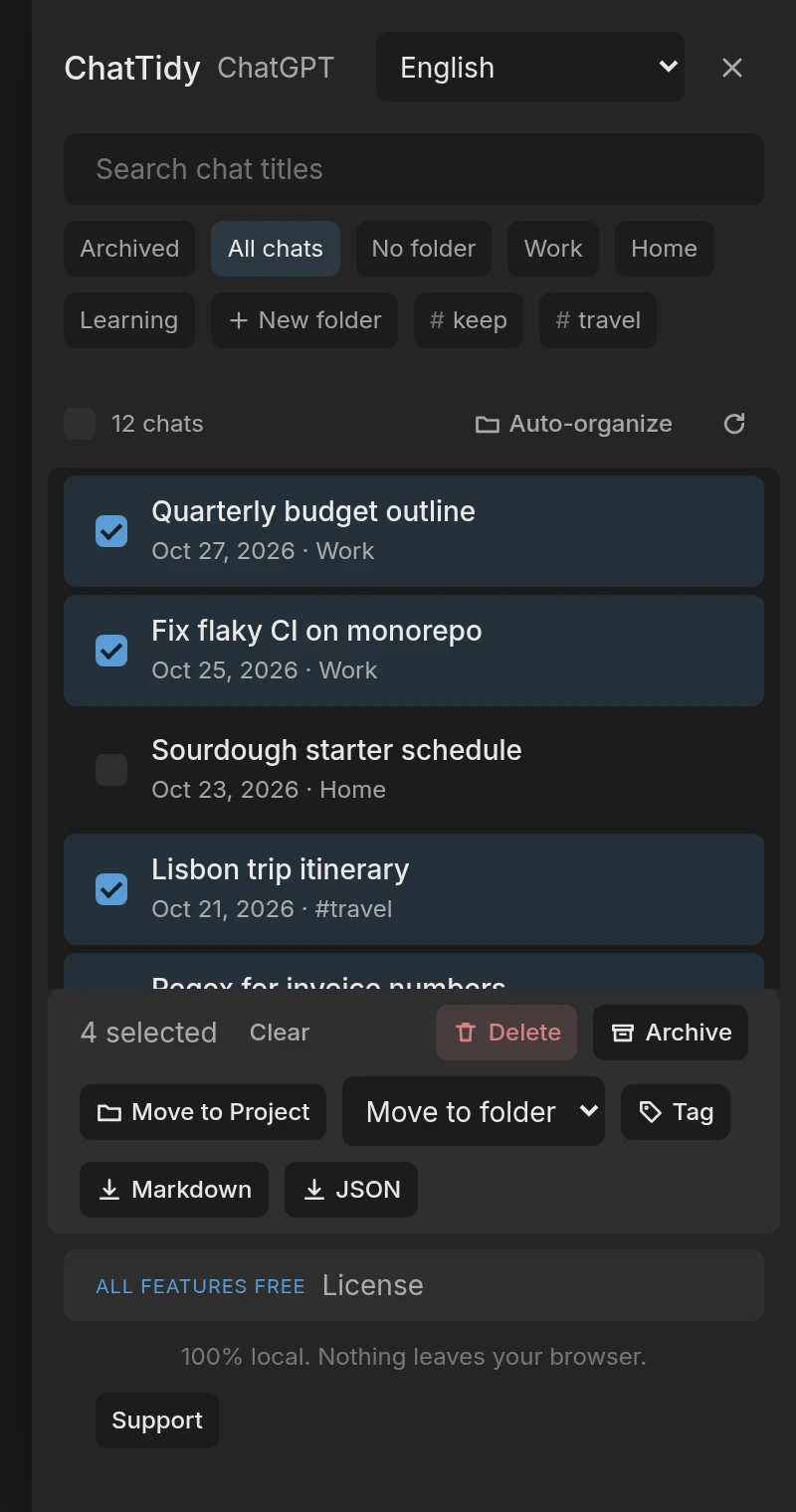
Select your ChatGPT, Claude and Gemini chats to delete them or file them into folders. Archive works on ChatGPT. It runs entirely in your browser.
Chrome extension for chatgpt.com, claude.ai and gemini.google.com. Not yet in the store.
Built to be trusted with your history
Delete many chats without the fear
Confirm once, watch real progress, stop any time. Requests are paced on purpose and retried with backoff, and anything that fails is listed so you can retry just those.
Find things and keep them tidy
Search titles, file chats into folders and add tags. Export to Markdown or JSON, and moving chats into a Project, are free during the launch period.
100% local, nothing to trust
No server, no account, no analytics. Folders and tags live in your browser. The extension asks only for storage and the three sites it works on.
See it in action
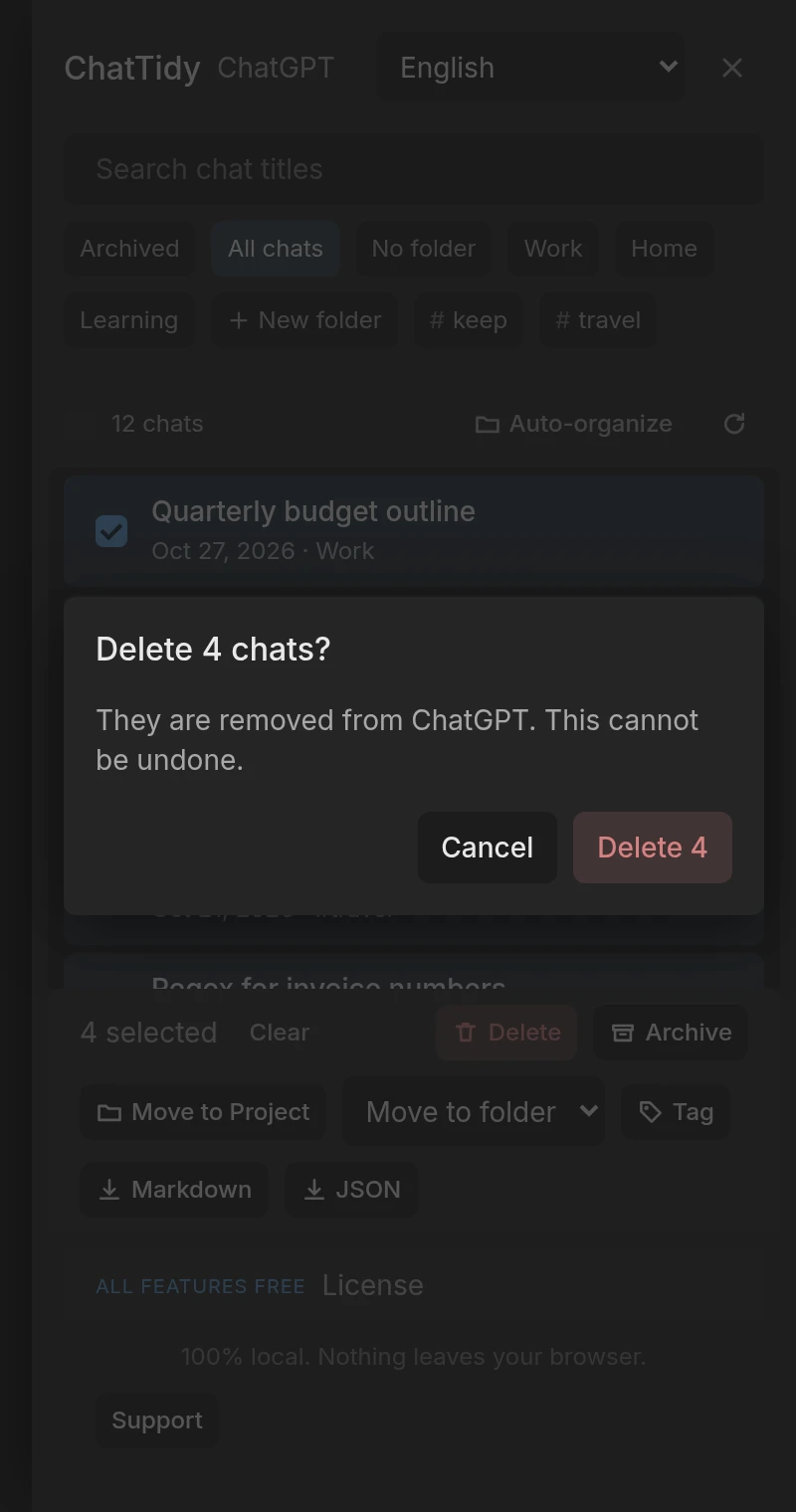
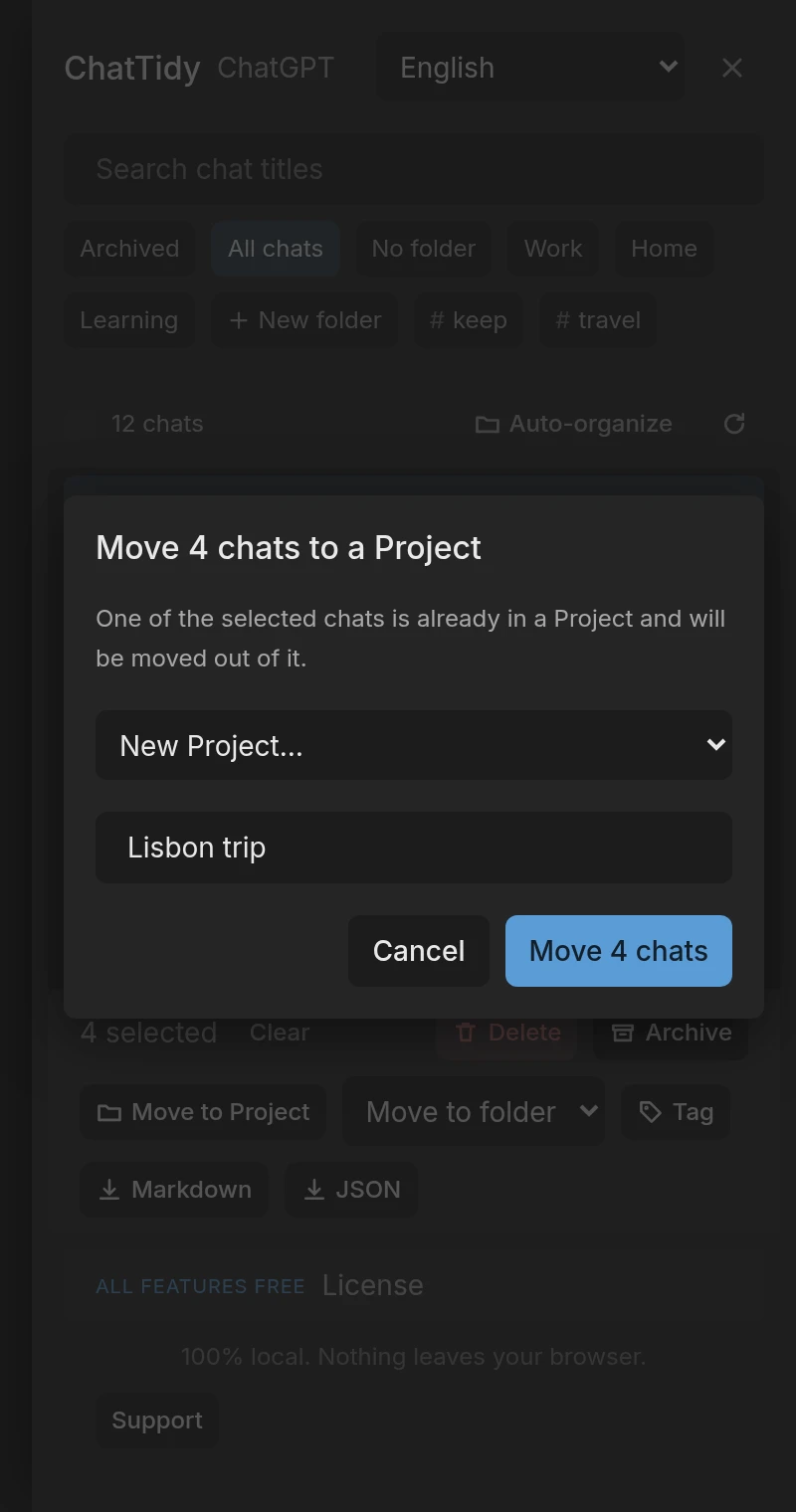
Mock-ups rendered from the extension's own interface with sample data.
Free during the launch period
All features
- Bulk delete with a confirmation for every run, and no daily limit
- Unlimited folders and tags
- Search across titles
- Archive where the site supports it
- Export to Markdown and JSON
- Move chats into a Project you pick or create (ChatGPT, Claude) or an existing Notebook (Gemini)
- Auto-organize into Projects (ChatGPT, Claude)
A paid tier Planned
Nothing is sold during the launch period, and no license key is needed. We will announce any change before it takes effect.
No payment is taken during the launch period. The terms, the refund policy and the privacy policy describe this version.